This page describes my process for the Lighting Techniques exercise in Pete Jepson's Udemy course, Lighting in Unity. I created this lighting using Unity's Built-In render pipeline.
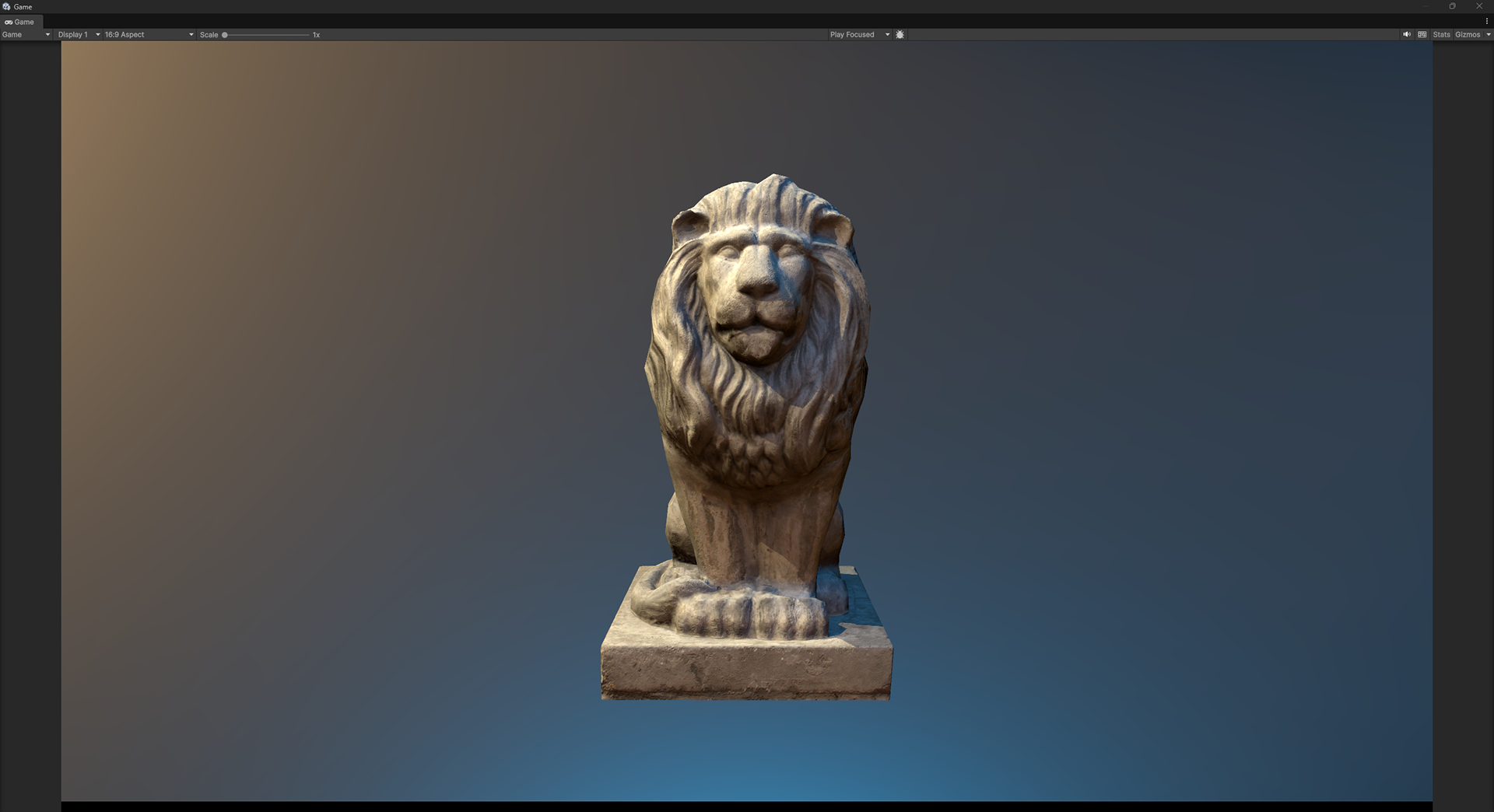
The intent of the original exercise is to demonstrate some of the different kinds of light positions that can be used when lighting an object. The following breakdown is what it could look like to use all the lights at once for different purposes, not just as a key light direction.
This is a whopping 9 light rig, but it provides subtle lighting gradients that would be hard to achieve or tune in other contexts. Using this many lights for a single object is not something I would recommend in a performance-critical situation, but it could be useful for cinematic hero lighting or portfolio renders.
Lion asset created by NOT_Lonely
All Lights

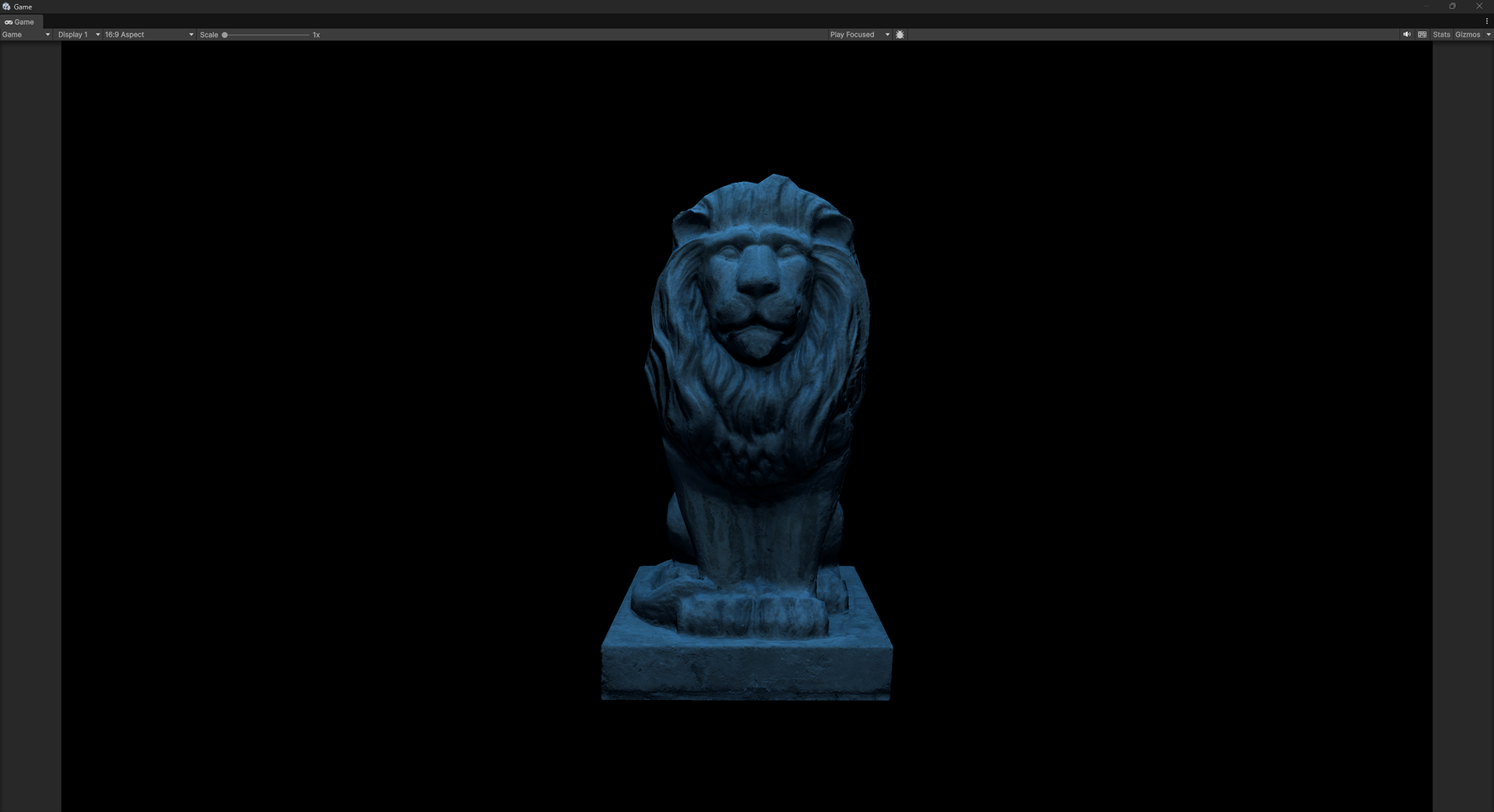
Sunlight
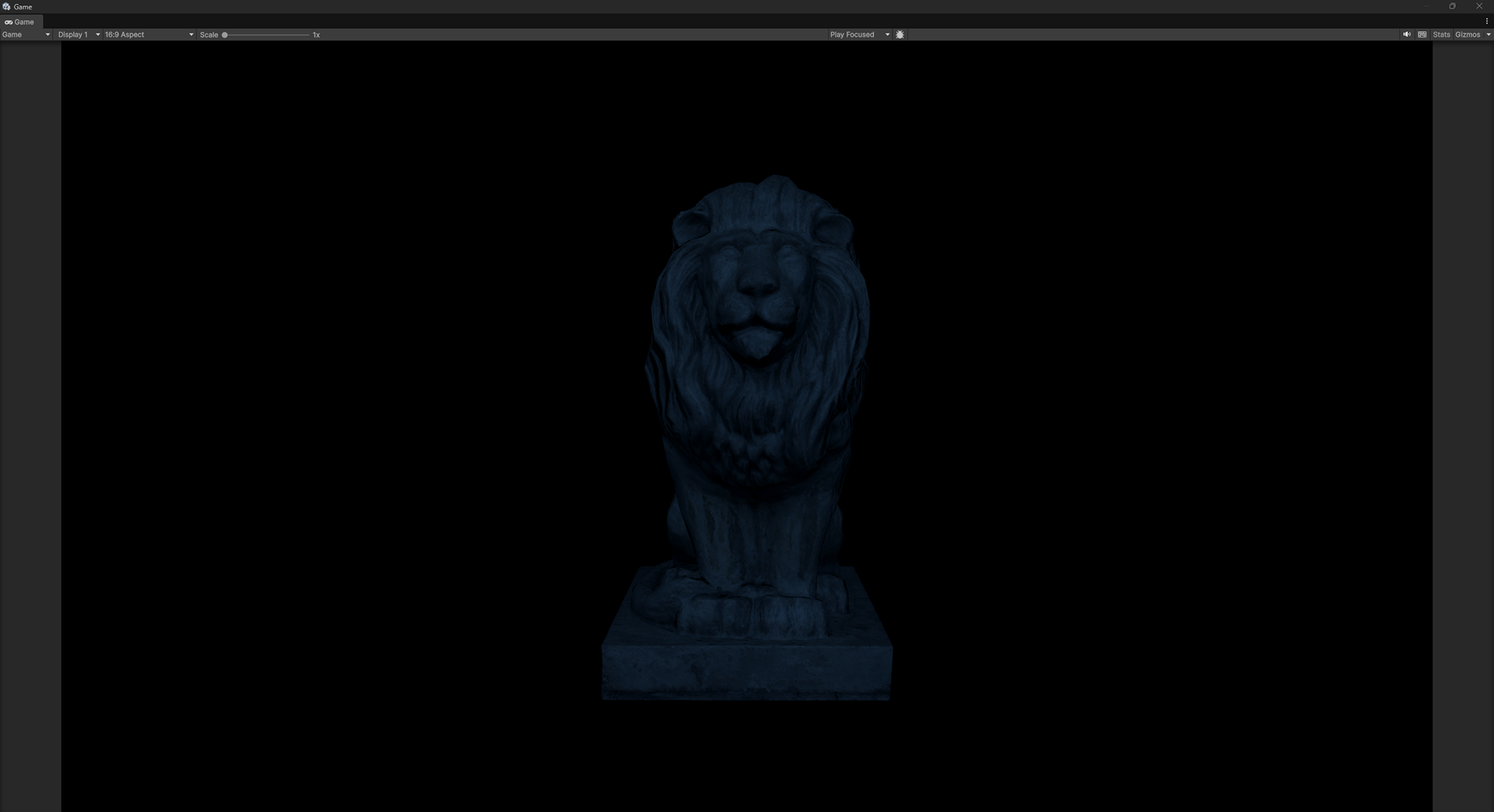
Skylight

Background
Sky Lighting
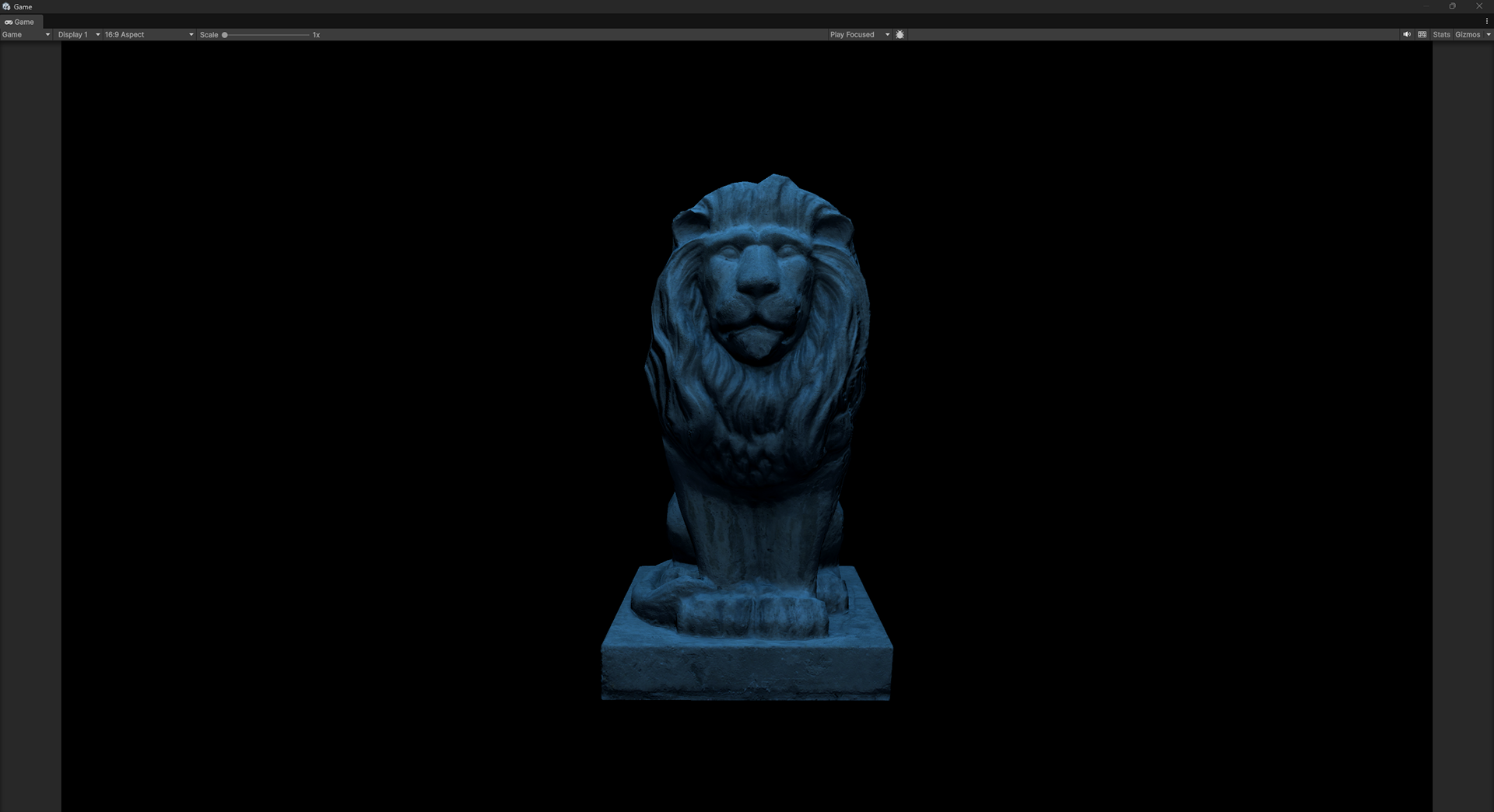
Normally, sky lighting is created by using an HDRI skydome. In this example I'm not using an HDRI image -I've created lighting from the sky with three lights. Using the three different lights allowed me to mix the different sky colors together to create a rich blue that changes hue/saturation/value based on angle.
1. Behind Camera Forward High. The primary light for the sky color and direction.
2. Behind Camera Forward. Primarily used as a gentle sky fill light, since it faces the same direction as the camera.
3. Overhead. A secondary/kicker light to help create a lighting gradient across the sky angles.

behind camera forward high
behind camera forward

overhead
Combined Sky Lighting
Sun Lighting
Typically in games, sunlight is created using a directional light. The directional light technique make sense for lighting a large outdoor environment. For this prop, I created the sun light from these 3 lights
1. Key
2. Rim/Kicker
3. Bounce
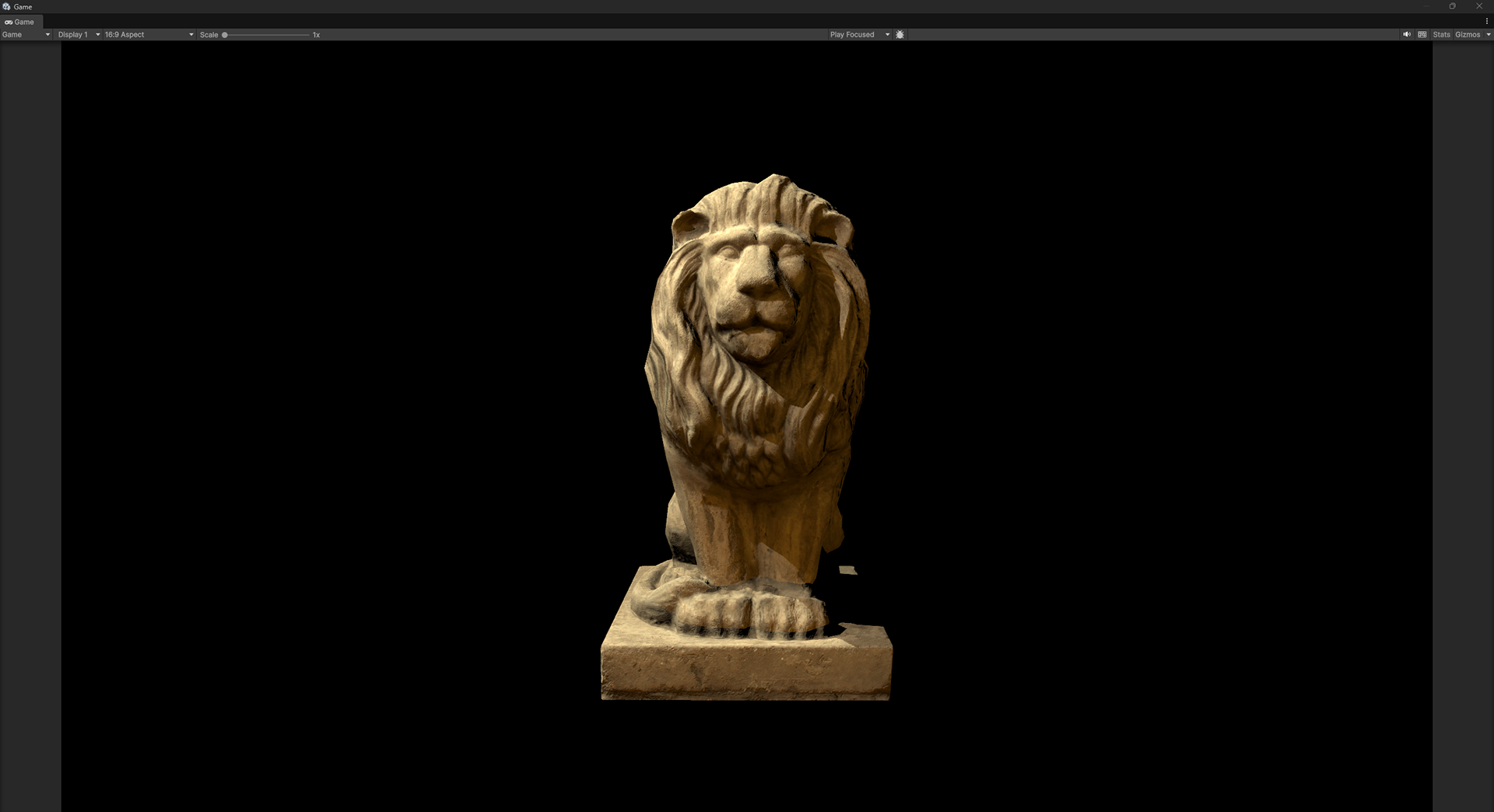
The primary sun direction is defined by the Key light. I've added a "Kicker" light that isn't quite a rim light, but is a similar direction as the Key. This helps to create a subtle gradient of light wrapping around the object. I then used the below angle light to simulate some bounce lighting (from an imaginary stone floor).
Fun fact about simulating the sun as a directional/parallel light: As everyone knows, the sun is a giant ball of flaming gas -a ball, like a light bulb. Light bulbs are usually simulated by point lights, so why do we use a directional light to simulate the sun? Because the earth is so far away from the sun, the angles of the light rays that are hitting us are nearly parallel.

Key
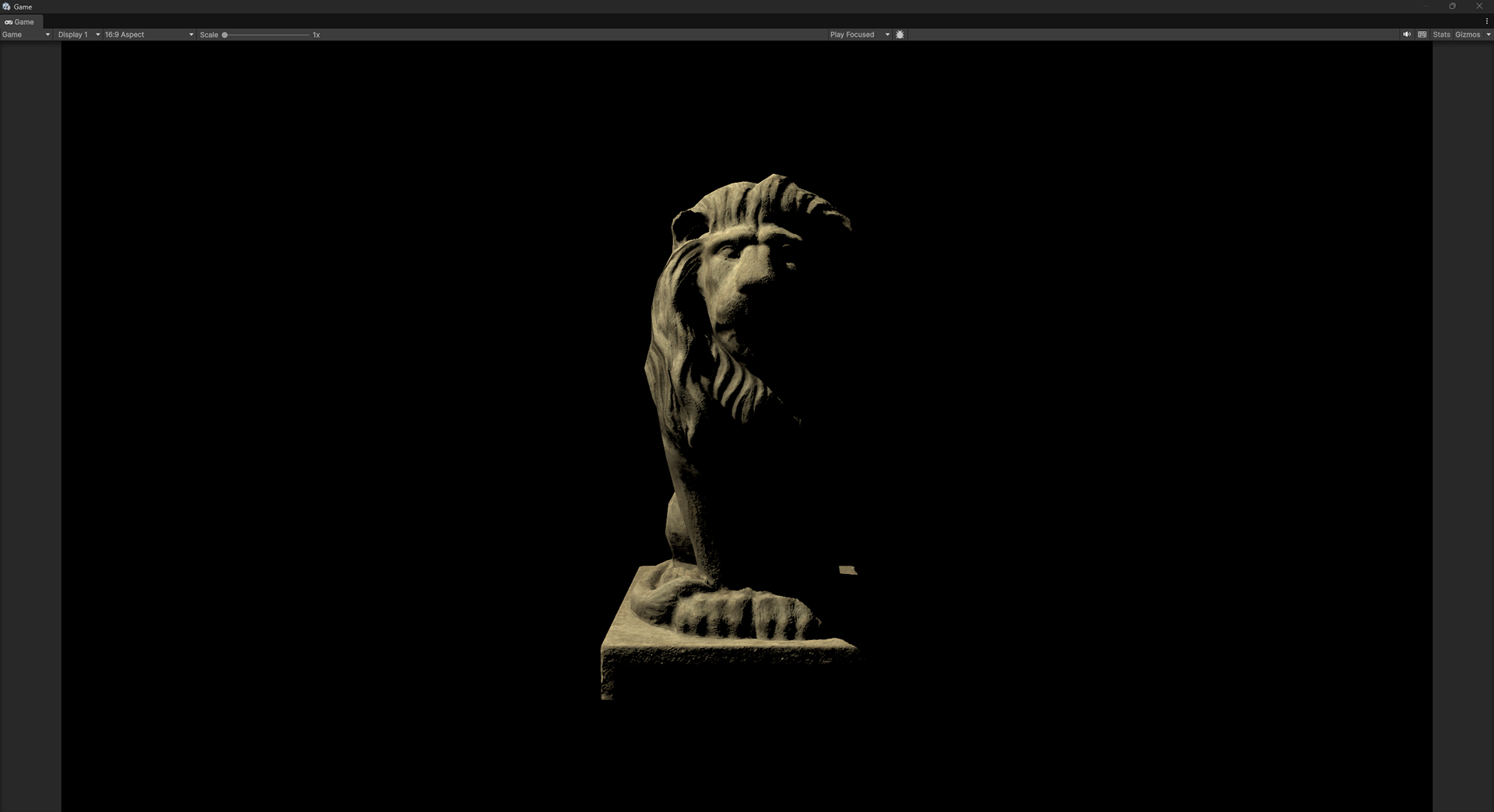
Kicker

Bounce
Combined Sun Lighting
Background
The background lighting functions to provide a sense of context for the lighting on the prop, and brings out edges of the model that might otherwise be lost. I'm using 3 lights for the background. I wouldn't normally use a third light in this situation, but I though a little something needed to be done to make sure the lion statue was the center of attention.
1. Sun color/direction
2. Sky color/direction
3. Attention focusing
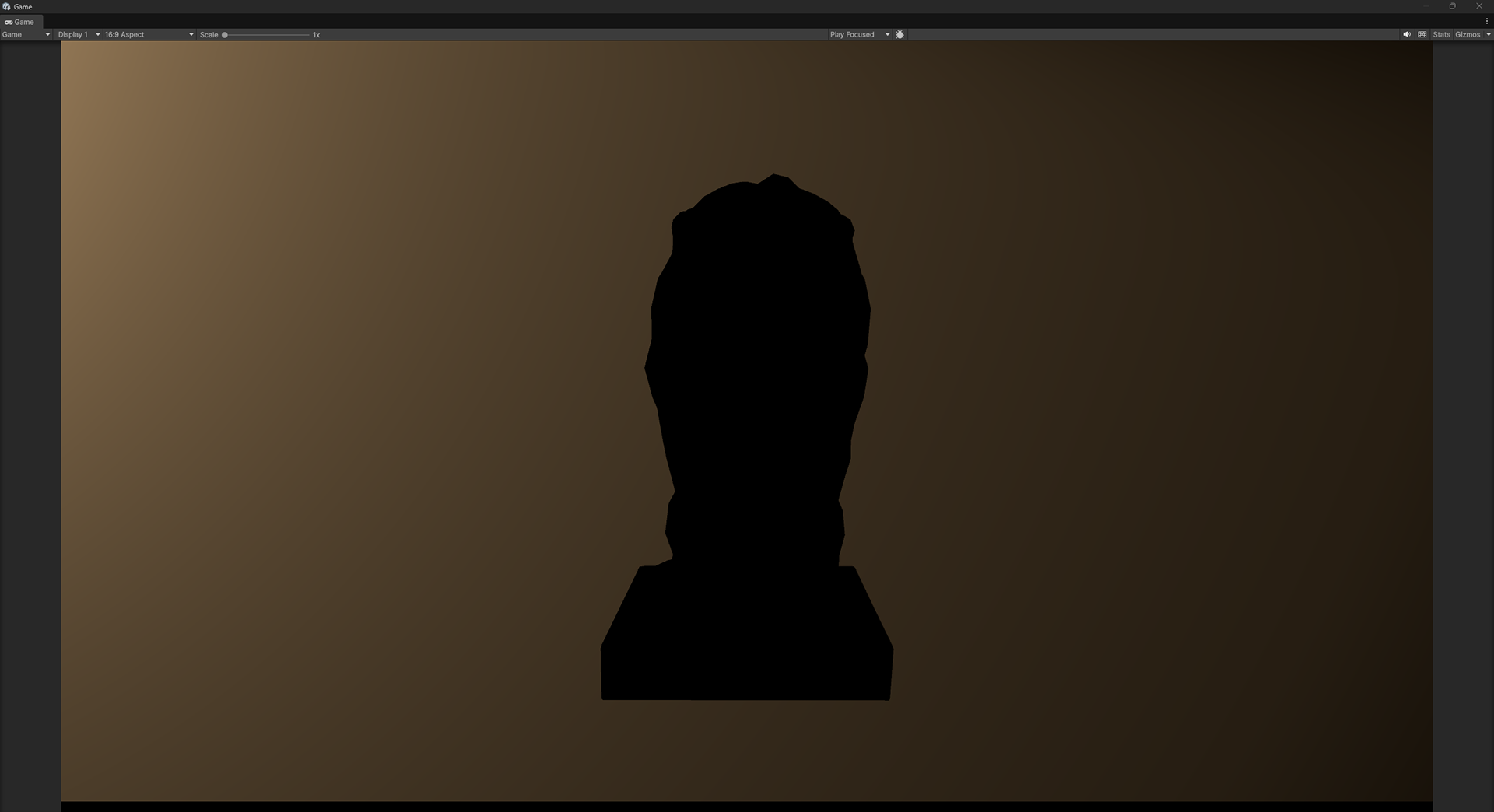
Sun

Sky
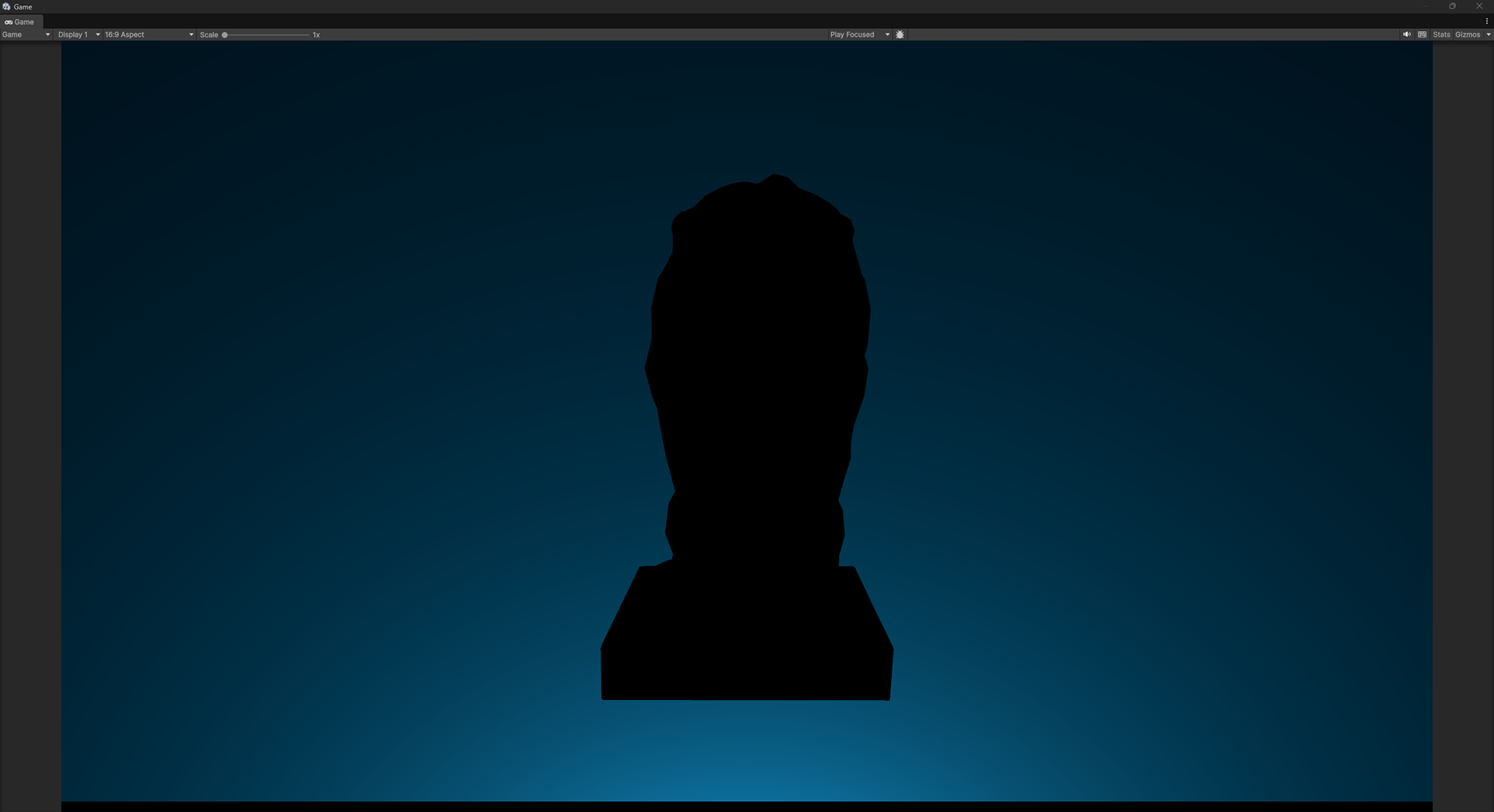
Focus
Combined Background
